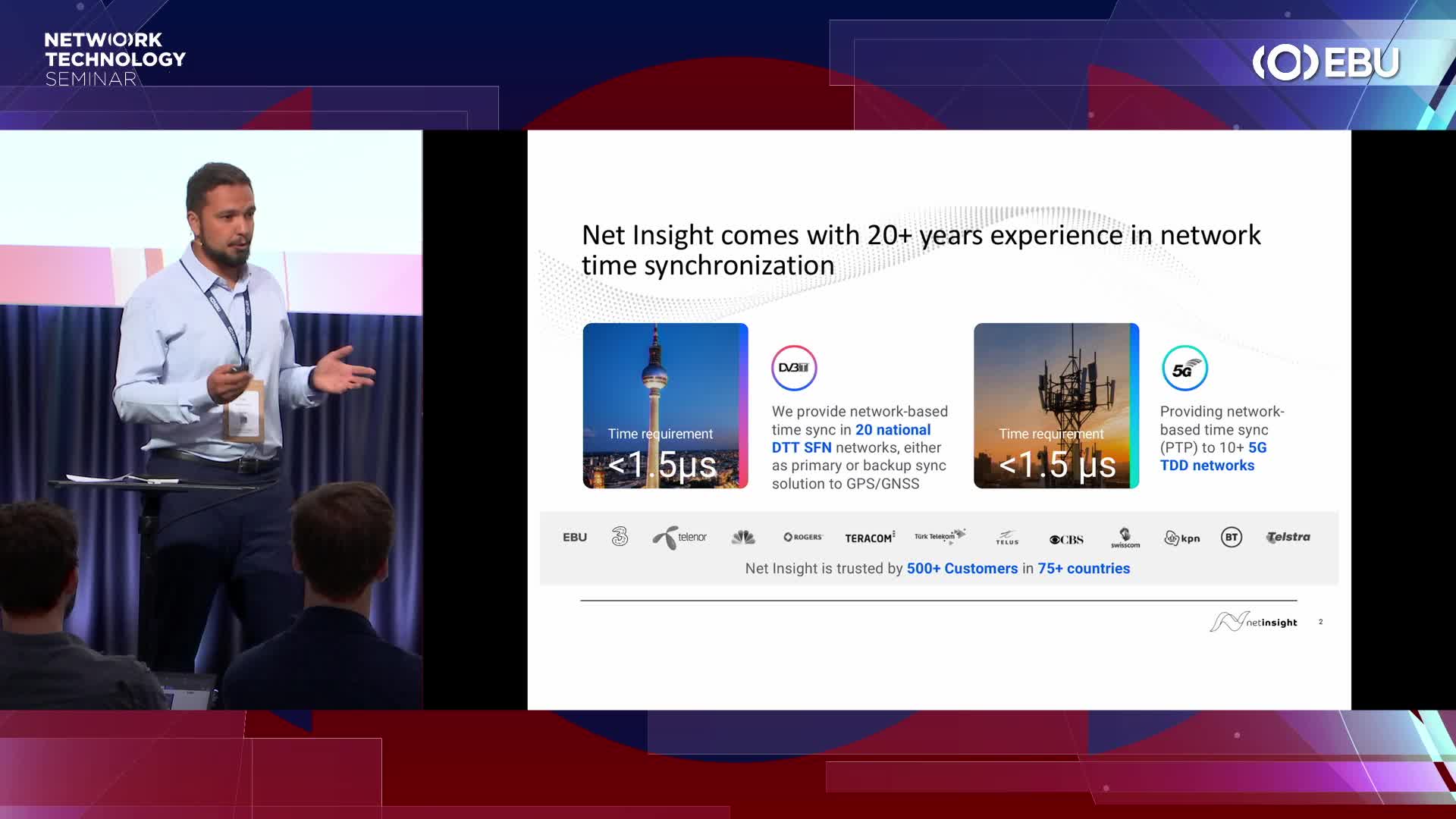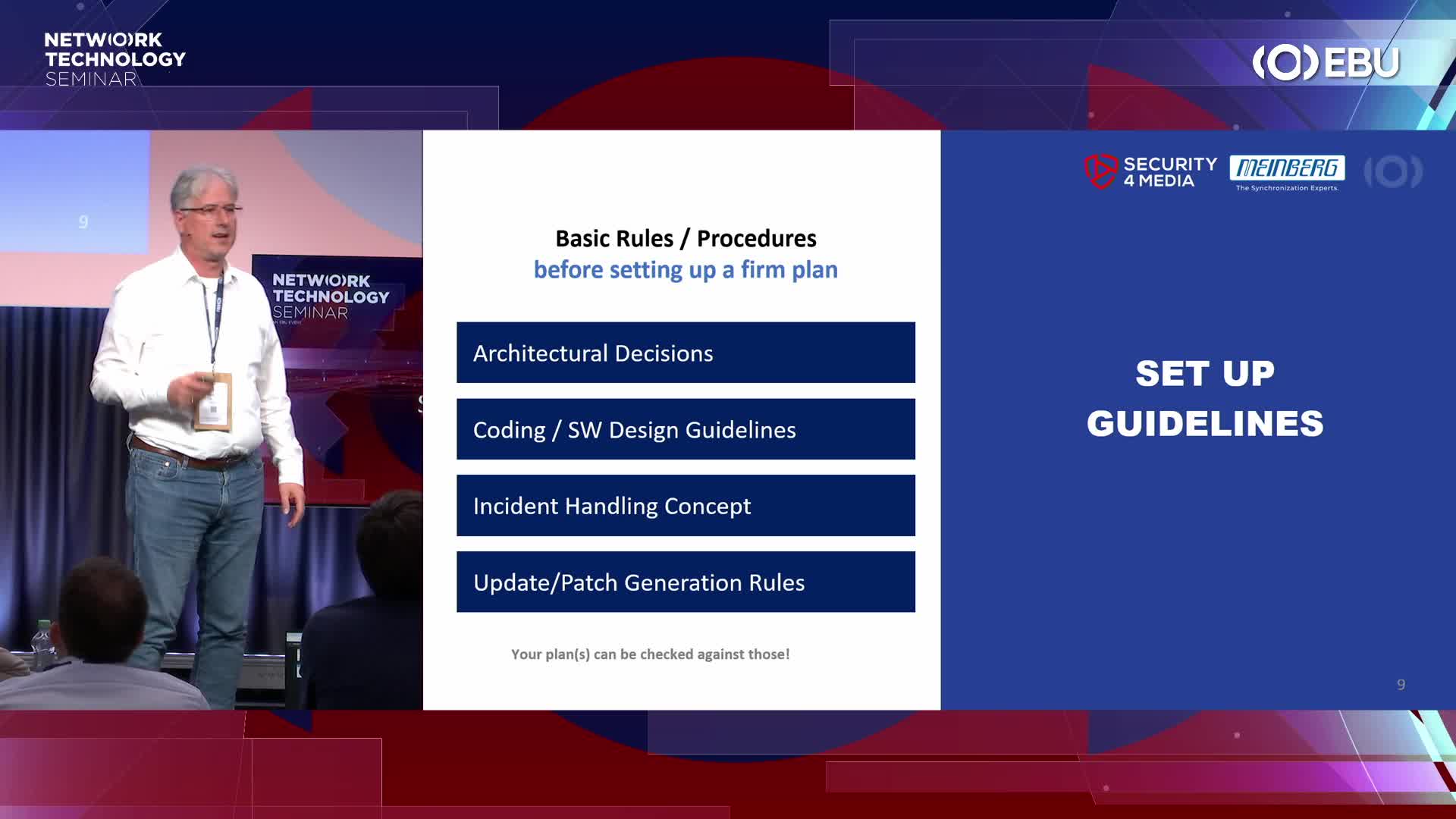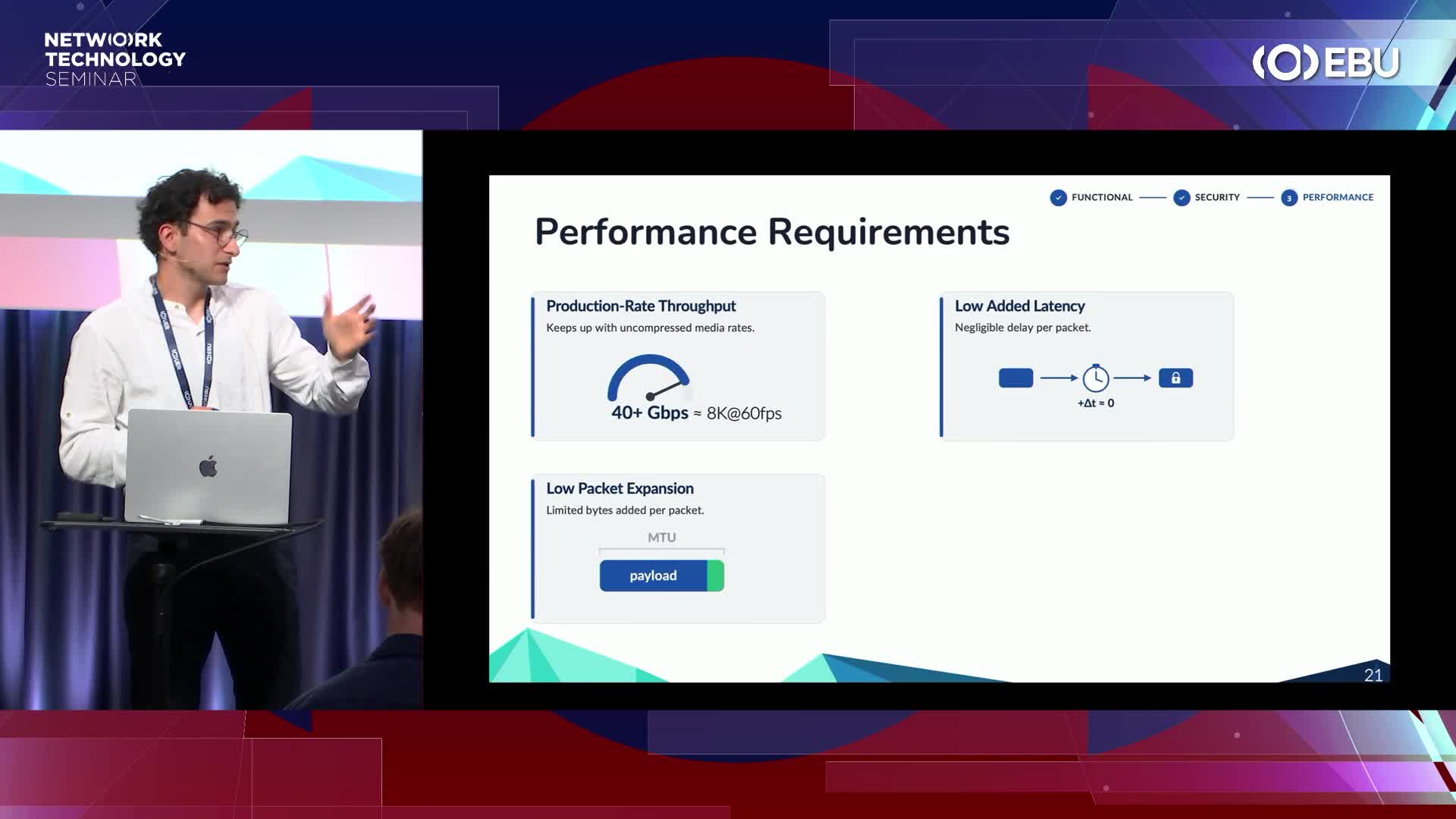
Presenter(s): Fraser Kyne (Arista)

Dear user,
The EBU now uses Microsoft Entra as an authentication model.
Employees of most EBU Members should now use a federated login to authenticate. This means your organization acts as the identity provider. You no longer need 2 separate accounts or 2 separate passwords. Your work credentials give you access to EBU content.
What to do on the next screen?
If you already have an EBU account, enter your professional email address and select Next. You will see the EBU logo change to your organization’s logo. Enter your usual work password and, if prompted, accept the sharing of information with the EBU.
What if we are using shared mailboxes?
The new authentication mechanism does not work with shared mailboxes. If you usually access EBU websites using a shared account, you must create a new individual user account. Scroll down to view the instructions.
If federated login does not work?
For some EBU Members, as well as the general public, federated login will not work. Login remains possible with your existing account. 3 different cases may occur:
What to do if none of the above seem to work?
Please read the instructions below carefully, as the choice you make during your first login cannot be changed later.
To create a new account, select No account? Create one.
You will have 3 options:
If you still cannot log in after following these instructions, contact [email protected].